Bus
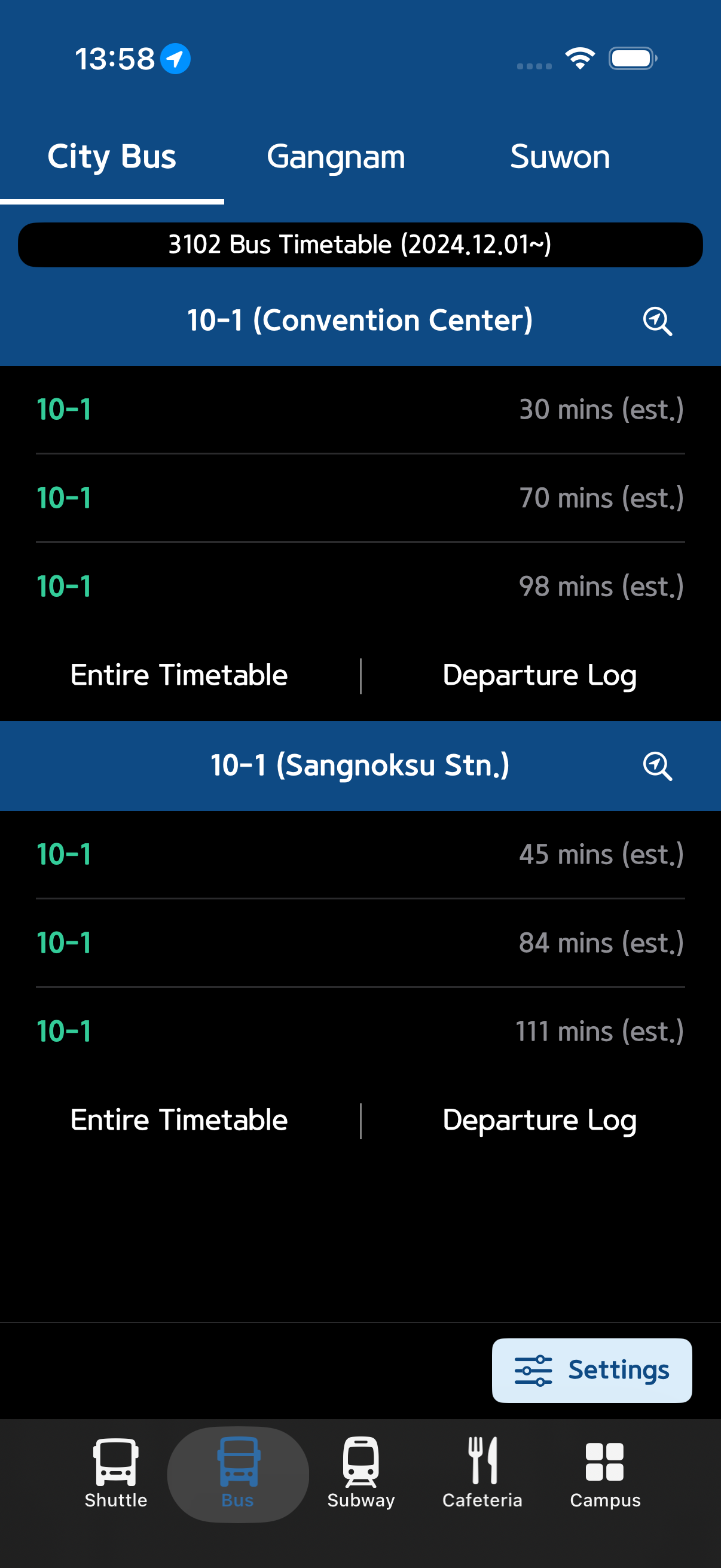
Check real-time arrival information by route from the Bus tab in the bottom navigation bar.
Stop Search
- Search for a stop to look it up, or select one directly from your recently viewed stops list.
- Real-time arrival info for the selected stop is displayed, and you can quickly switch to a nearby alternative stop.
Timetable & Help
- Navigate to Timetable to view the complete departure schedule for that stop.
- The in-screen help section provides usage instructions, and the boarding history section shows past arrival records.