Home Screen Widgets
Widgets let you check information directly from your device's home screen without opening the app. HYUabot offers five widget types that display shuttle bus and cafeteria information in various sizes.
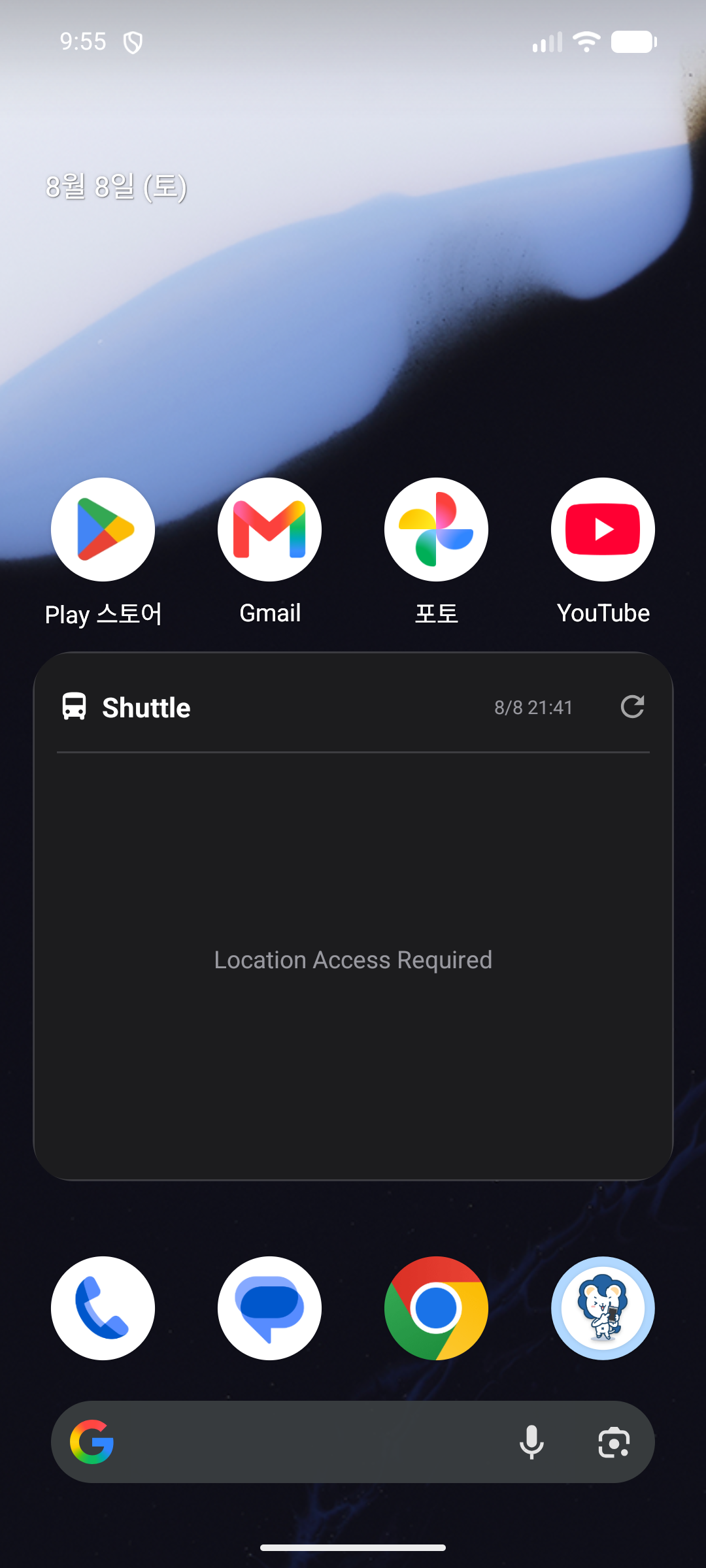
- Shuttle Bus Widget: Shows the next departure time for your registered stop. Location permission must be granted for it to display correctly.
- Cafeteria Widget: Shows the cafeteria menu appropriate for the current time of day.
How to Add
Long-press an empty area on your device's home screen to enter the widget menu, find HYUabot in the list, then long-press the desired widget and place it on your home screen. Long-pressing the widget again lets you change the stop or dining hall to display.