Shuttle Bus
Real-time shuttle bus information is integrated into the Home screen rather than a separate tab.
Checking from the Home Screen
- Changing the departure stop selection (e.g., Dormitory → Hanyang University (Ansan) / Arts Center / Jungang Station) refreshes the next departure time and remaining time for that route.
- Subway and bus transfer connections are displayed below the shuttle departure time.
- If location permission is granted, the stop nearest to your current location is selected automatically.
Full Timetable
Tapping Full Timetable on the shuttle card on the Home screen navigates to the complete departure schedule for that stop.
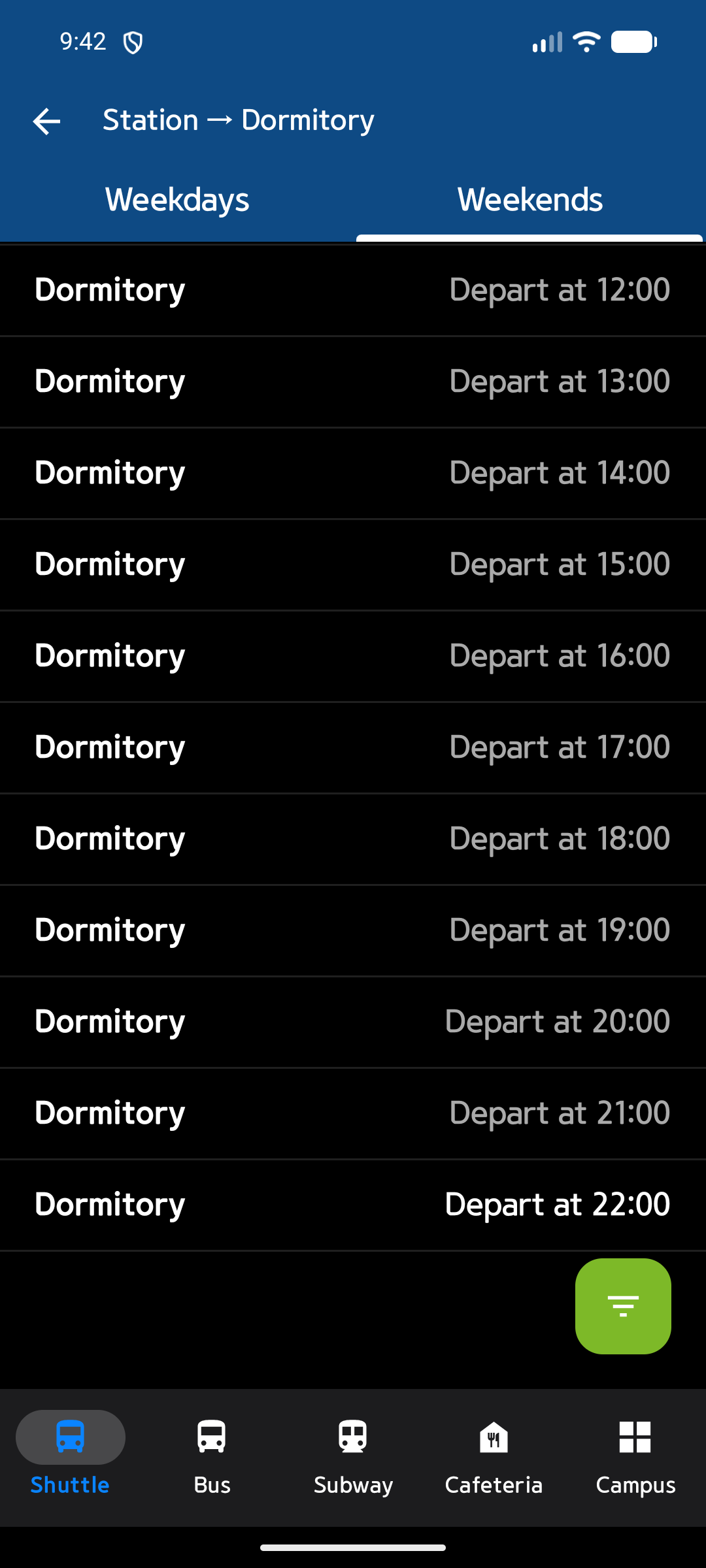
The timetable is divided into Weekday / Weekend tabs, and you can scroll to view all departure times for the day.
Classic Shuttle Screen
If you prefer the previous stop-tab style screen, tap Classic Shuttle Screen in the Home Settings sheet at the bottom of the Home screen to switch to it.
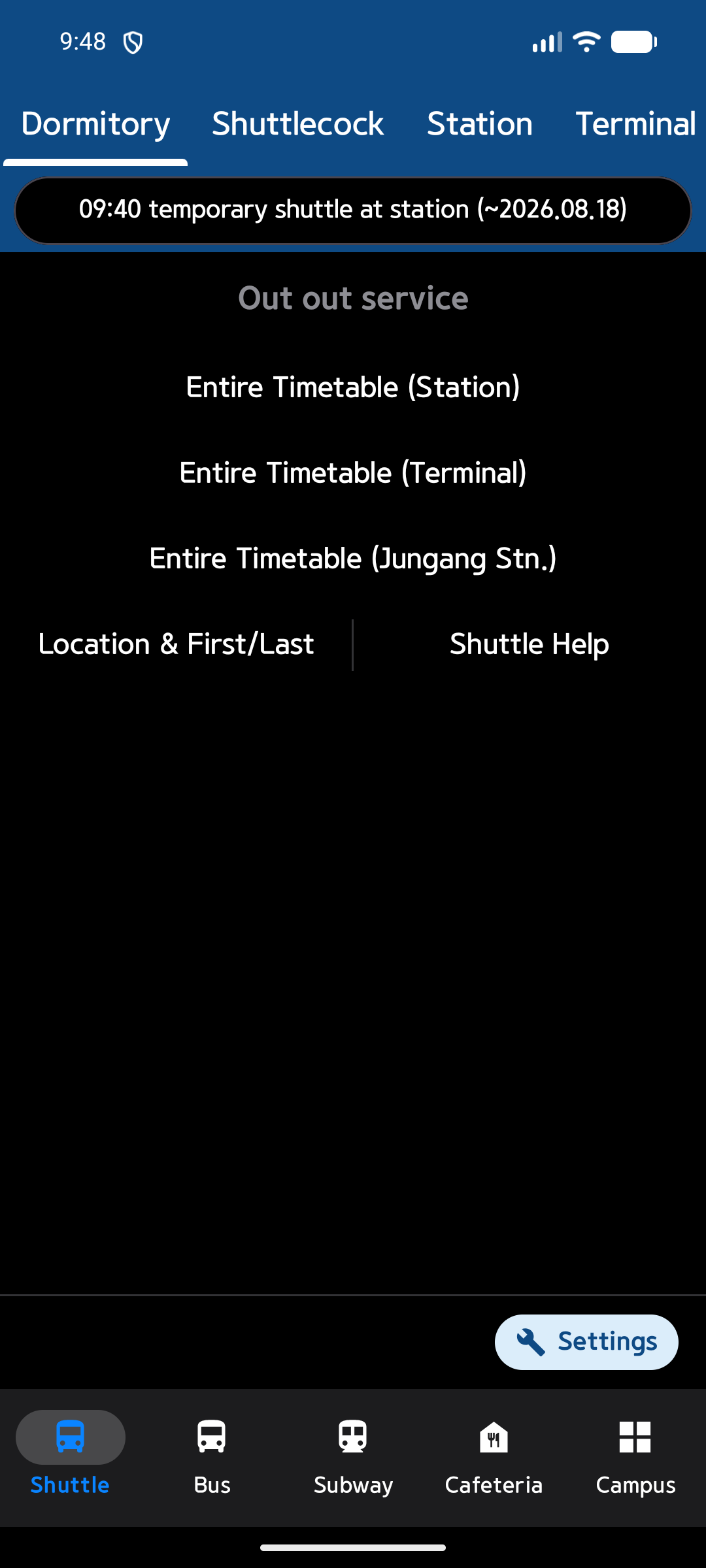
- Stops are listed as tabs at the top (Dormitory, Shuttle Kok, Hanyang University (Ansan), Arts Center, Jungang Station, etc.), and you can switch stops by tapping a tab.
- After switching, the Home tab icon and label in the bottom navigation bar change to Shuttle Bus.
- You can switch back to the new Home screen using the Settings button at the bottom-right of this screen.