Settings
Adjust app preferences from Campus → Settings.
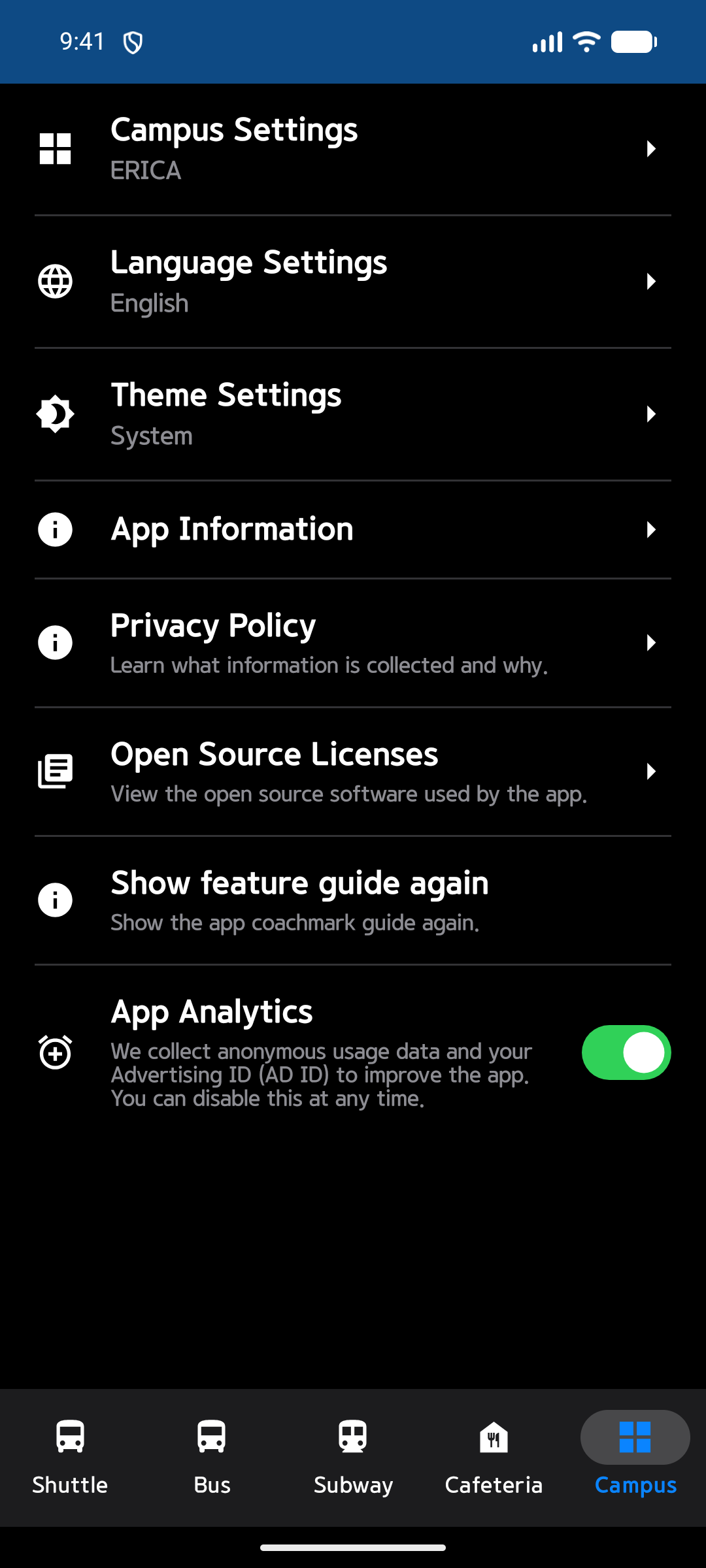
| Item | Description |
|---|---|
| Campus Settings | Select the campus you are enrolled in: Seoul Campus or ERICA Campus |
| Language Settings | Choose the app display language: Korean, English, Japanese (日本語), or Chinese (中文) |
| Theme Settings | Choose the screen theme: Auto, Light, or Dark |
| App Info | View basic information such as the app version |
| Privacy Policy | Review what data is collected and how it is used |
| Open Source Licenses | View the open source software used in the app |
| Show Feature Guide Again | Redisplay the app's coach marks (usage tutorial) |
| App Analytics Data Collection | Toggle consent for anonymous usage data and advertising identifier (AD ID) collection for app improvement |
Campus Settings
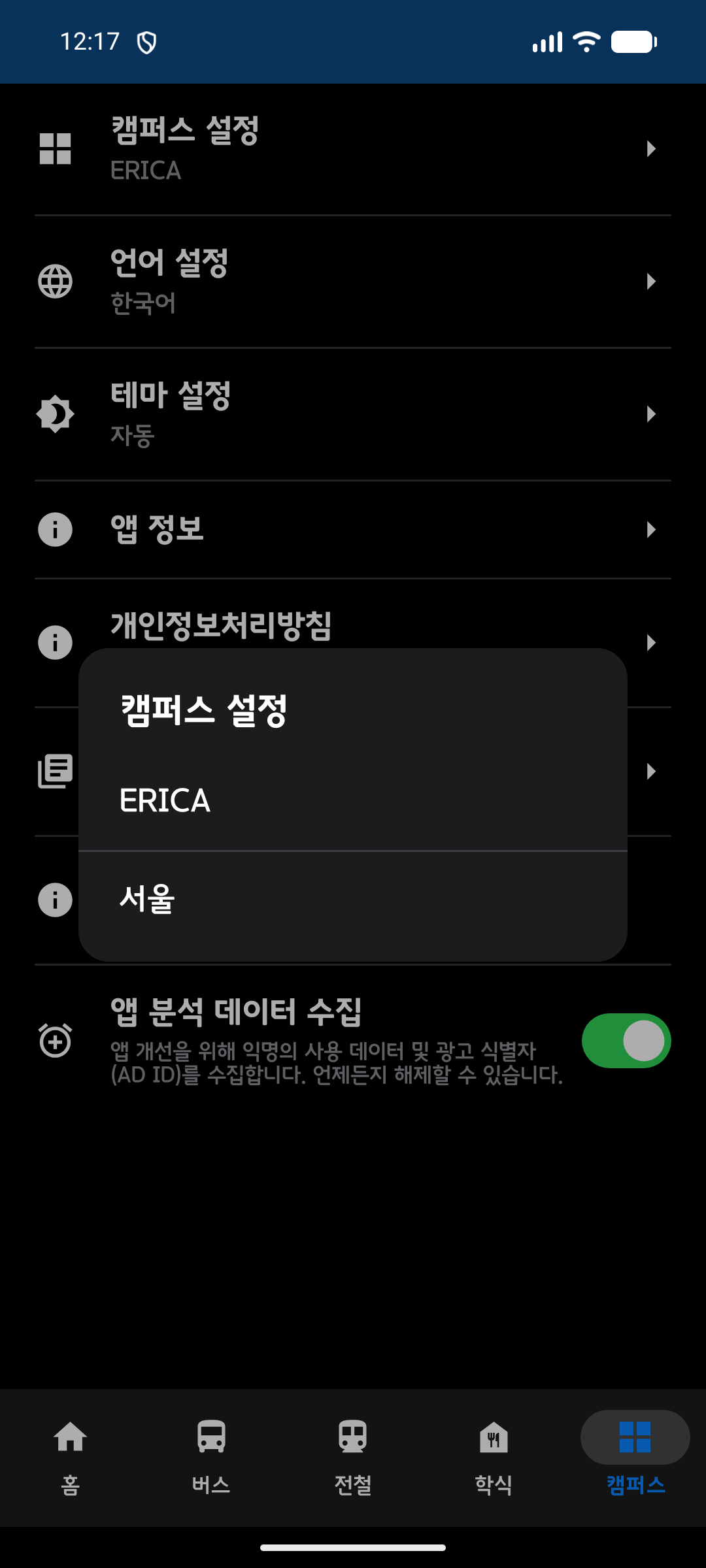
Selecting either ERICA or Seoul switches all campus-specific data — including shuttle and cafeteria information — at the same time.
Language Settings
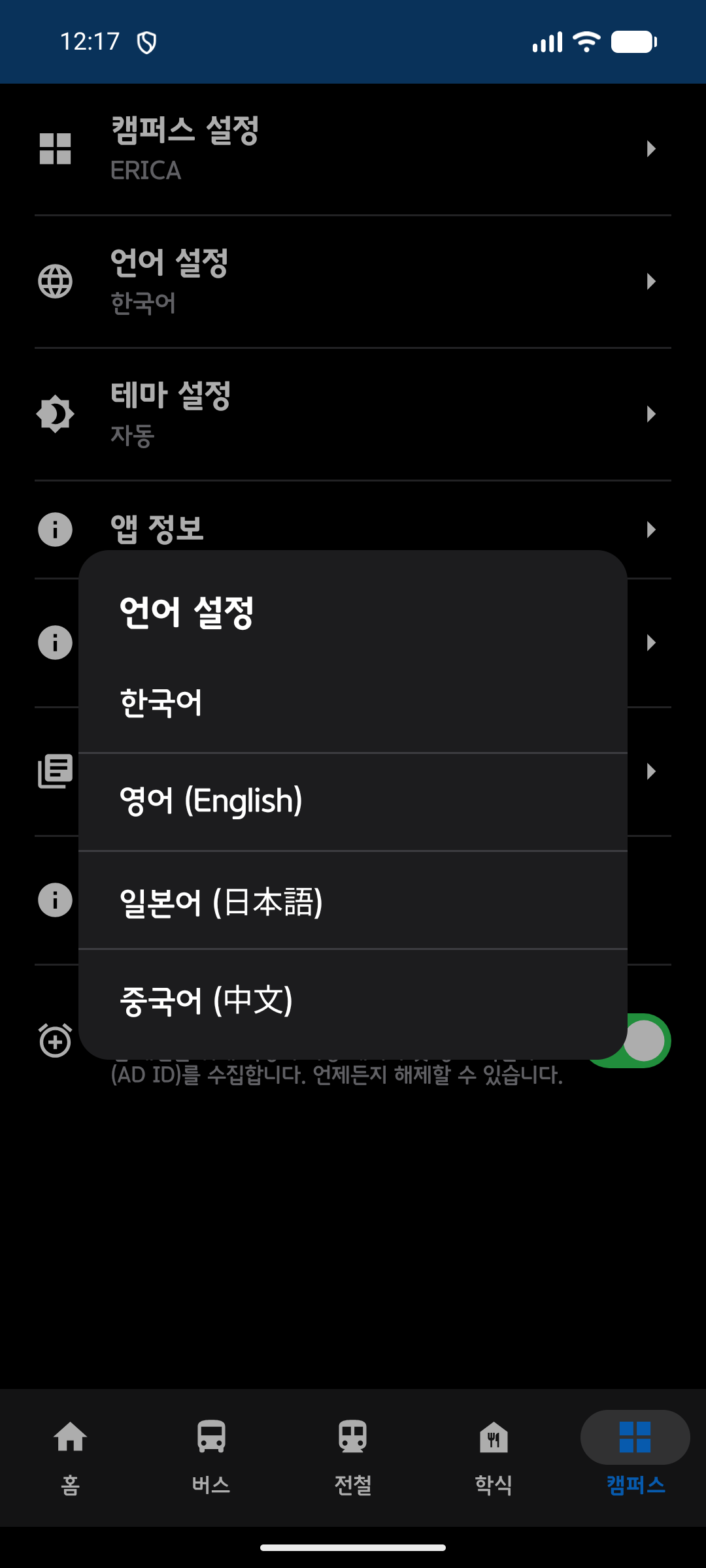
The selected language is applied only within the app, regardless of the device system language.
Theme Settings
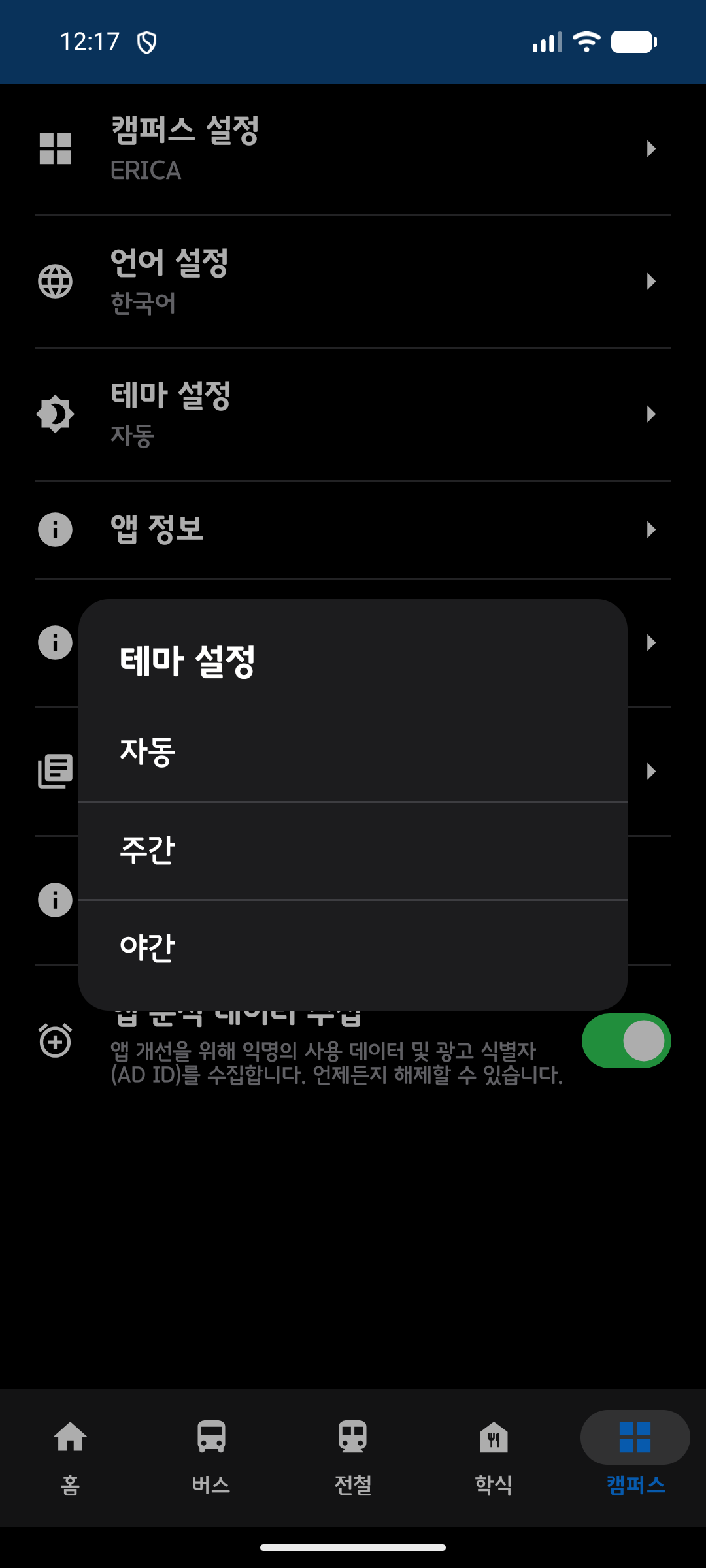
Selecting Auto follows the device's dark mode setting.
tip
If your enrolled campus has changed or you want to view information for a different campus, simply change the Campus Setting and all campus-specific data such as shuttle and cafeteria will switch accordingly.